If you’ve landed here and are unable to access most of our Help Center content, it’s likely because you aren’t logged in to your account.
Our Help Center articles are designed specifically for logged-in users to ensure secure access to advisor-specific and client-related resources.
How to Log In:
- Accept your Help Center invitation.
When you joined the Harness platform, you should have received an invitation email with the subject line: "You've been invited to the Harness Help Center". -
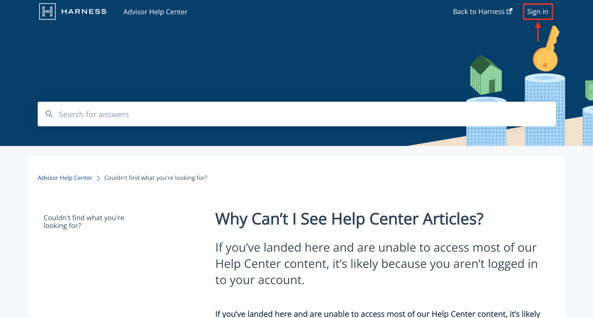
Log in at help.harnesswealth.com.
Ensure you are logging in with your Okta (two-factor authenticator) credentials.
-
Still having trouble?
- Confirm that you’re using the correct email address associated with your Okta account.
- Check for typos in your email or password.
- If you’ve followed the steps above and still can’t log in, please contact our support team at support@harnesswealth.com